The following is a pictorial tutorial on how to enter players onto your teams. The pages may not look exactly how your browser will display them, but the idea is the same on all browsers.
Next
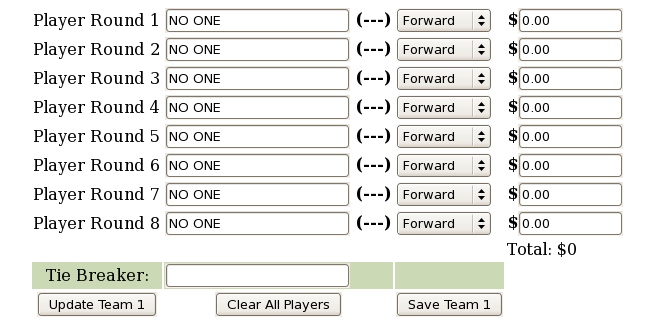
When first you edit a team, you will see a screen something like this. All of the players will be either blank, or be filled with the special player 'NO ONE'. This player will never have any points and can be in as many player positions as you wish.
The pool in these examples is one that uses player salaries. If you have not selected Salaries, this field will not appear.
(Press the 'Next' link to move forward through the tutorial.)
Next